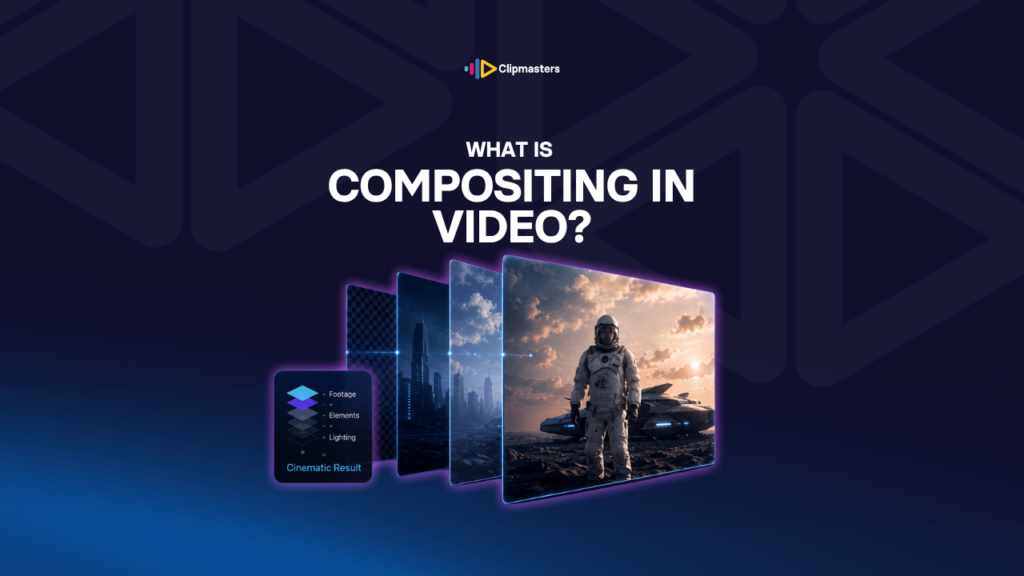
What is Compositing?

Compositing is the craft of layering multiple visual elements, like footage, graphics, and effects, into a single image so they look like one shot.

In this article

Related Terms

Start Video editing now

What is Compositing in Video?

Compositing is the craft of layering different visual pieces together so they look like one single image. A person filmed against a green screen, plus a separate background, plus an animated name bar at the bottom, becomes one finished shot. Three layers, one picture.

The word comes from “composite,” meaning something made of several parts joined into a whole. In film and video, compositing has been around since the silent era, back then through double exposures and painted backdrops. Digital compositing took over from those physical tricks in the 1990s, and today almost every frame of every modern movie is composited in some way.

Here are some things that get composited:

  • Live action plus fake backgrounds. A person filmed in a studio dropped into a totally different location.
  • Two takes combined. Two performances of the same scene merged into one, like an actor playing their own twin.
  • Live action plus CGI. A real person interacting with computer-made creatures, vehicles, or worlds.
  • Sky swaps. A gray sky in the original footage replaced with a sunset.
  • Removing or adding objects. A microphone taken out of a shot, or a product dropped in that was not actually there during filming.
  • Graphics over footage. Animated text, name bars, and overlays laid on top of live footage.

Most compositing is invisible. The audience never notices it. They just see the finished shot. A good compositor’s whole job is to make several layers look like one camera caught them all at the same moment.

Need editors who handle compositing as part of every video?

Editors matched to your brand. Turnaround in as little as 24 hours.

How compositing works

Every composite shot goes through a few key steps.

Layering. Each piece (footage, a graphic, a CGI render) is a separate layer in the software. The order matters: layers on top cover layers below, unless they have see-through areas.

Mattes and masks. A matte (or mask) is a black-and-white image that tells the software which parts of a layer to show and which to hide. Green screen footage creates a matte using a chroma key. Hand-drawn mattes (called rotoscoping) cut out the subject frame by frame. Simple masks use shapes to mark the visible area.

Cleaning up the edges. Where two layers meet, the edge usually needs work. Hair, motion blur, and see-through fabric all give away the seam between layers if you are not careful. Most of the time in compositing goes into this edge work.

Matching color and light. Two layers shot in different conditions do not naturally look like they belong together. A person filmed in a studio with cool light will not feel real against a warm sunset. The compositor adjusts color, contrast, and brightness, and adds touches like lens flares or a bit of haze, so every layer feels like it shares the same scene.

Tying it together. The final pass adds the little details that sell it: matching grain across layers, a slight blur on the foreground to suggest depth, lens distortion, and motion that matches the original camera move.

The classic mistake is treating compositing as just “stick layer B on top of layer A.” That looks obviously fake. Good compositing is all the blending work you do after the layers are in place.

Where compositing shows up in everyday video

Most modern video has some compositing in it, even when the audience never notices.

Talking-head video. Most professional interviews have a composited name bar or graphic at some point. The graphic is one layer, the footage is another, and they are combined at export.

Brand video. Product shots are often filmed on their own and dropped into hero scenes later. Logo reveals, animated end cards, and stylish transitions are all compositing.

Music videos. Heavily composited as a rule. Performers shot apart from their backgrounds, effects layered on, bold color applied to chosen areas.

Commercials. Almost always composited. Product shots, lifestyle footage, animated bits, and location backgrounds all stitched together.

Tutorials and explainers. A presenter composited in front of slides, screen recordings, or animated diagrams.

Documentary. Less compositing than a scripted film, but still there: title cards, name bars, old footage cleaned up, and animated maps or charts.

For feature films and big TV shows, the compositing budget can be enormous. A single Marvel film might have thousands of composited shots, each taking days. In commercial and online work, it is usually simpler, a name bar, a sky swap, an inserted graphic, but the ideas are the same.

Compositing tools commonly used

A few software names you will run into:

After Effects is the go-to for compositing that does not need feature-film-level complexity. It is used widely in commercial, broadcast, motion graphics, and most online video.

Nuke is the professional compositing tool for feature films and high-end TV. It uses a node-based layout built for complex shots with hundreds of layers. The learning curve is steep and the license is expensive.

Fusion (built into DaVinci Resolve) is a free alternative to Nuke. It is also node-based and seriously capable, and it shows up more and more in mid-level work.

Mocha Pro is a tracking and rotoscoping tool used alongside other software for tricky shots.

Premiere Pro, Final Cut Pro X, and DaVinci Resolve handle simpler compositing right inside the editing timeline. That is plenty for layered name bars, basic sky swaps, and most everyday work.

For commercial and online video, After Effects is the most common compositing tool. For everyday editing, the compositing built into the editor’s main timeline covers most needs. Nuke is mostly a film and TV concern.

How Clipmasters Uses This

Most of your videos already involve a little compositing, even if you never think of it that way: a name bar over an interview, an animated logo at the start or end, a touch of background cleanup. A Clipmasters editor handles all of that as a normal part of the edit. What makes their work look polished is the invisible side, matching color and light across layers so the result reads as one clean image, which is exactly the part a careful editor sweats so you never see the seams.

Frequently asked questions

What's the difference between compositing and editing?

Editing puts shots in order. Compositing combines several visual pieces inside a single shot. Editing decides the sequence, and compositing decides what is inside each frame. Most professional work does both: build the structure first, then composite the individual shots that need it.

Is compositing the same as VFX?

Closely related, but not the same thing. Compositing is one part of VFX. VFX is the bigger category that also includes 3D animation, simulations like fire and water, and creating visual effects from scratch. Almost all VFX work ends with compositing, which is combining those elements with live footage, so the terms overlap a lot.

Do I need special software for compositing?

It depends on how complex the work is. Basic compositing, like name bars over footage, a simple sky swap, or layered graphics, works right inside editing software like Premiere Pro, Final Cut Pro, or DaVinci Resolve. Complex compositing, like several layered subjects or integrated CGI, needs dedicated software like After Effects, Nuke, or Fusion.

How long does compositing take?

It depends entirely on the shot. A simple name bar takes minutes. A sky swap takes 30 to 60 minutes. A complex multi-piece composite with motion tracking and CGI takes hours to days. Feature film VFX shots can take weeks each. For everyday commercial and online work, simple composites are usually quick, and complex ones are quoted separately.

Can AI do compositing?

More and more, yes. AI tools handle basic jobs like background replacement, object removal, and sky swaps with one-click options that used to take hours of manual work. The part that still needs a human is the blending, making the result truly belong in the shot: the lighting, the edge detail, the color matching. The tools have made the basic work easy, but the craft is still in the polish.

Loading video…