Best Video Editing Subscription Services in 2026 (Buyer’s Guide)

Picture of Joke De Swert

Joke De Swert

Best Video Editing Subscription_ A Buyer's Guide

In this article

About the Author

Start Video editing now

Quick Picks

Best Budget Option

The Editor's Connection

Best for small businesses

Vidpros

Best for small YouTubers

Vidchops

Best for marketing teams

Edit Crew

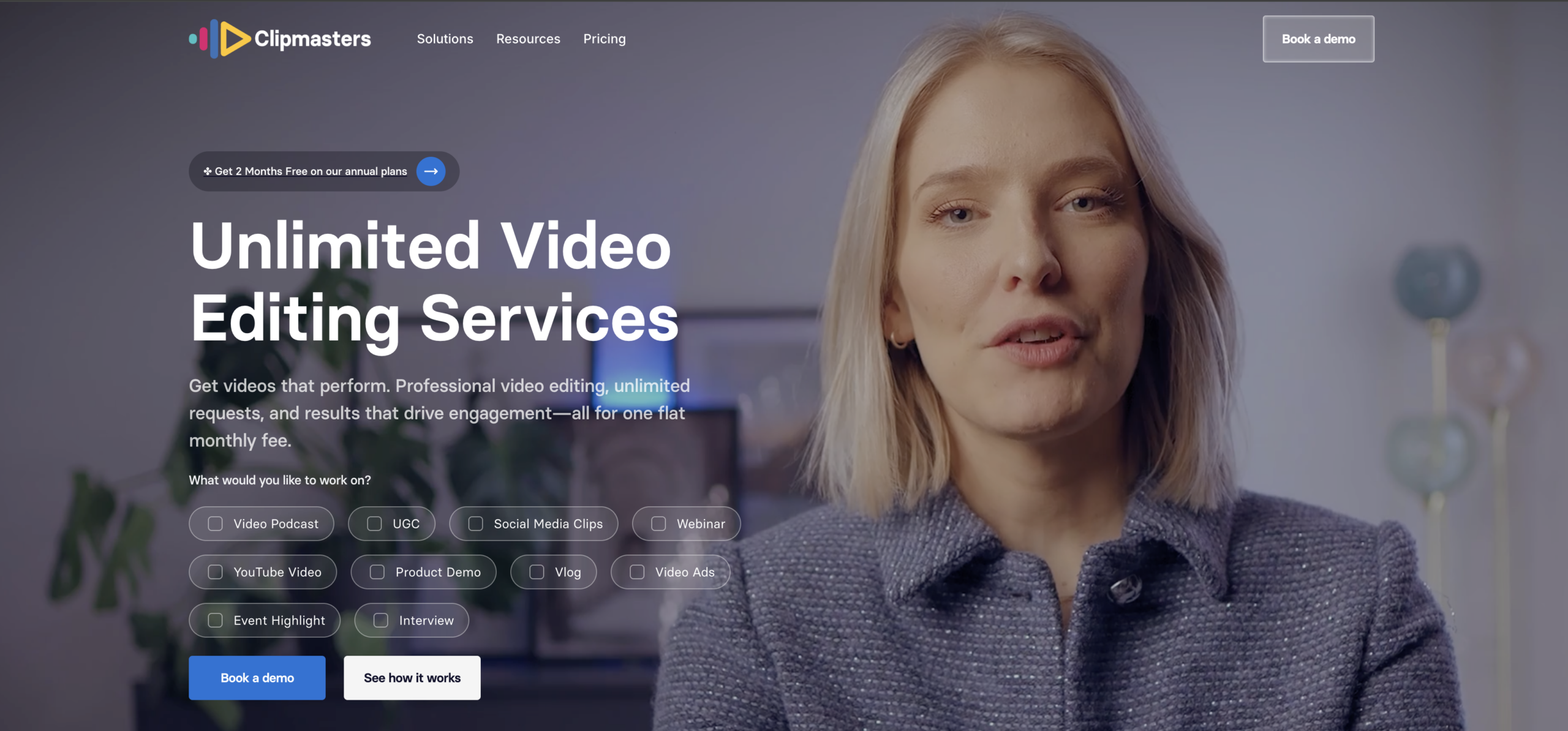
1 Clipmasters video editing subscription service

Clipmasters

Best overall
From $1,897/mo (Part-time, 4h/day)
Book a Demo

Quick disclosure: Clipmasters is our company, so yes, we put ourselves first on our own list. We do not aspire to be humble. But we can aspire to explain exactly how our service works, and to be honest about who it is for and who it is not.

How does a video editing subscription service work?

The basics first. You pay a monthly fee and get your own video editor. You send the videos you need edited, and your editor edits them. You can send as many requests as you want, and requests and revisions are unlimited.

That is the gist of it. Here is what we do differently from some of the other services on this list.

At most services, you sign up, send your first request, and your video goes to whoever has room to take you on. It is luck of the draw.

Over the years we have learned that creativity is subjective. Every editor on our team is highly skilled, and we make sure of that before we hire them. But skill is not the same as being the right creative fit for your content. A brilliant editor can still be the wrong match for your particular style.

That is why we built our editor matching process. In your first month, your creative project manager tests multiple editors on your content. Then you pick the one you like best. You do not pay extra for any of this. Once you have found your match, briefing gets easier. You repeat yourself less and less, and you go through fewer rounds of revisions.

Our two plans

Scale is $1,897 a month and gives you a part-time video editor for four hours a day. It is built for brands and teams that post every single week. Your editor spends those hours working through whatever is in your queue. They do not stop and wait for you to approve one video first. We do not run a “one active request at a time” model.

Most other subscriptions on this list do. They work one edit at a time, so your queue pauses the moment they are waiting on your feedback. Go quiet for two days, and your editing goes quiet with you.

Need more than a part-time editor? You move up to full-time, and from there you can stack plans. So your capacity grows as you grow.

Enterprise is the next step up, for bigger teams. We build a full crew around you, with custom workflows and editors who work inside your own tools, or ours.

What about turnaround?

We promise 24 hours on simple edits, and our 2026 average is closer to 14. But we will be honest about what that covers. It is for everyday work like short clips, reels, podcast cuts, and basic YouTube videos. A big brand film with motion graphics takes longer, and that is true at every service, not just ours. You can read our guide to real turnaround times for the full picture.

So how do we stay that fast? We use AI for the slow, boring parts, like rough cuts, captions, and matching colour across clips. Our editors handle the parts AI is bad at, like pacing, sound, and taste. That is the difference between us and tools like Descript or Opus Clip. Those tools make you do the editing yourself. We use AI to help a real editor do it for you.

Two last things. Every plan starts with a quick call, not a signup button, because we would rather check we are a good fit first. And if you are just starting out, we are probably not for you yet. If you only post now and then, a per-video service like Tasty Edits or a freelancer on Fiverr will cost you less. You will do more of the managing yourself, but that is fine until you grow. Once editing becomes your bottleneck, that is when a team like ours makes sense.

Pros

  • Editor matching process at no extra cost
  • Your editor keeps working through your queue and does not sit idle waiting for you to approve one edit
  • Unlimited requests and revisions
  • Same-day delivery is common on short-form, with a 24-hour guarantee on basic edits (our 2026 turnaround trends faster than that on simple work)
  • AI handles the repetitive work (rough cuts, captions, colour matching) so your editor spends their time on the creative calls
  • A clear path to scale: move from part-time to full-time, then stack plans when one editor is not enough
  • Enterprise builds a full creative team (motion designers, graphic designers, content strategists, and more)
  • Downloadable project files on approval
  • 14- Day Money Back Guarantee

Cons

  • Pricing starts at $1,897/month, so it is not the cheapest option on this list
  • Built for teams and creators producing regularly, not for occasional one-off videos
  • No instant signup. Every plan starts with a call so we can check we are genuinely a good fit before you pay
2 Vidpros

Vidpros

Best for small businesses
From $1,000/mo (part-time, 2h/day)

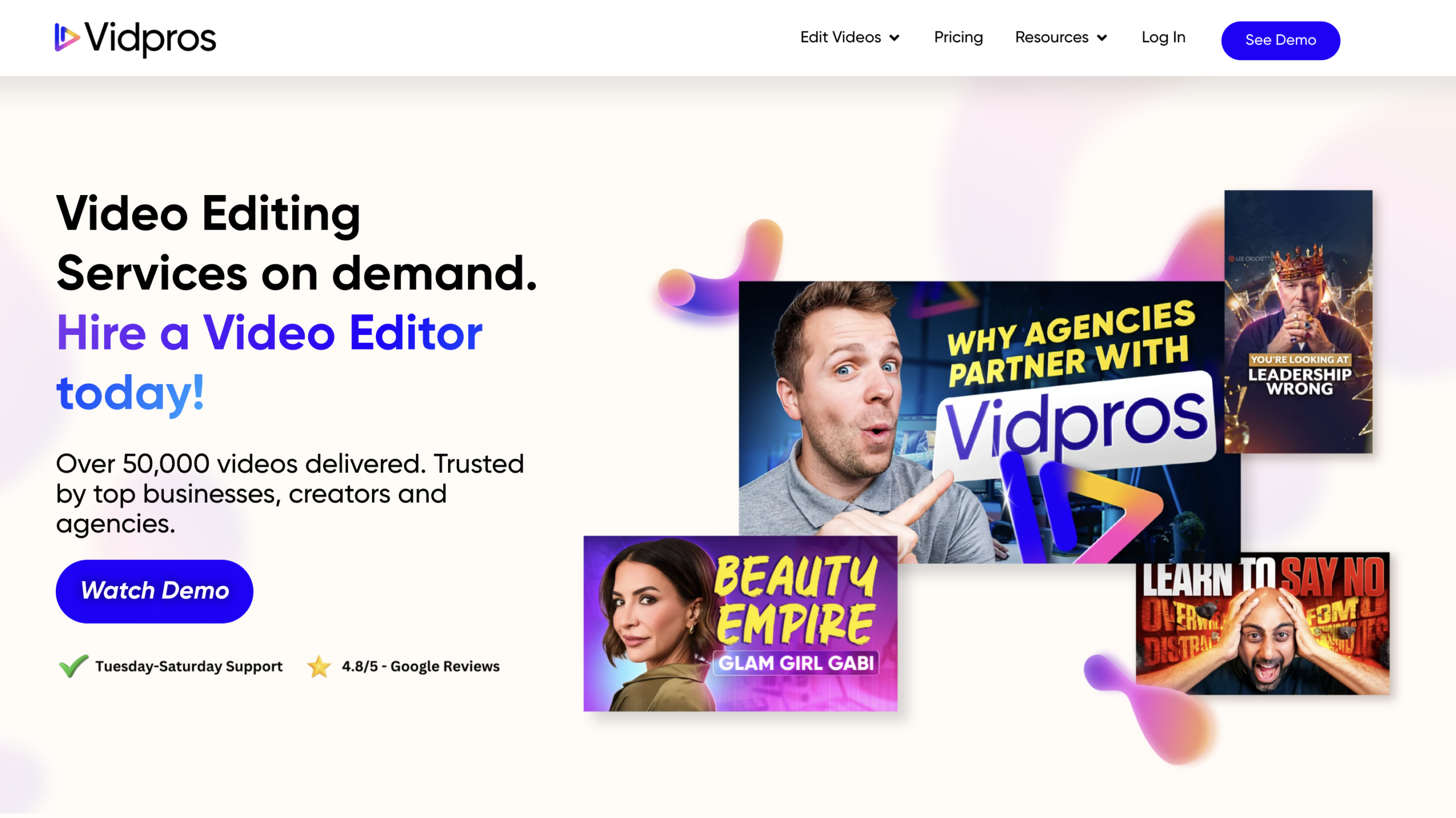
If transparent pricing is what you care about most, Vidpros is worth a close look. They publish the clearest per-hour subscription pricing here. The part-time plan is around $1,000/month for two hours of editing per workday, and the full-time plan is around $4,000/month for eight hours per workday. You always know exactly what you are buying.

The thing to plan around is the gap in the middle. There is not much between two hours a day and eight hours a day, so if your real need lands somewhere in the three-to-six-hour range, you will either pay for hours you do not use or push the part-time plan past what it is designed for. Their editors also work Philippine business hours, which is fine if your schedule lines up, but worth checking if you need work moving across your evenings.

Vidpros caps each editor at roughly four clients, which is a genuinely good sign for turnaround and continuity. If your need maps cleanly onto two or eight hours a day, this is a clean, honest option. If you land in between, our Scale plan covers that middle ground with a part-time editor, and you can scale up from there.

Pros

  • The clearest published per-hour pricing in the category, with editor hours per workday spelled out
  • A dedicated editor with a cap of roughly four clients per editor, which protects turnaround
  • Month-to-month, no long-term contract
  • Overnight turnaround on many requests, depending on complexity

Cons

  • A large gap between the $1,000 part-time plan and the roughly $4,000 full-time plan, with little in between
  • Editors work Philippine business hours, so production can pause overnight in your time zone
  • A 3 to 6 hour per day need means you'll overpay.

Want a subscription that scales as your output grows?

A dedicated editor matched to your brand, with turnaround in as little as 24 hours. Let’s see if we’re a fit.
3 Vidchops credit-based subscription plans

Vidchops

Best for small YouTubers
From $495/mo (4 credits)

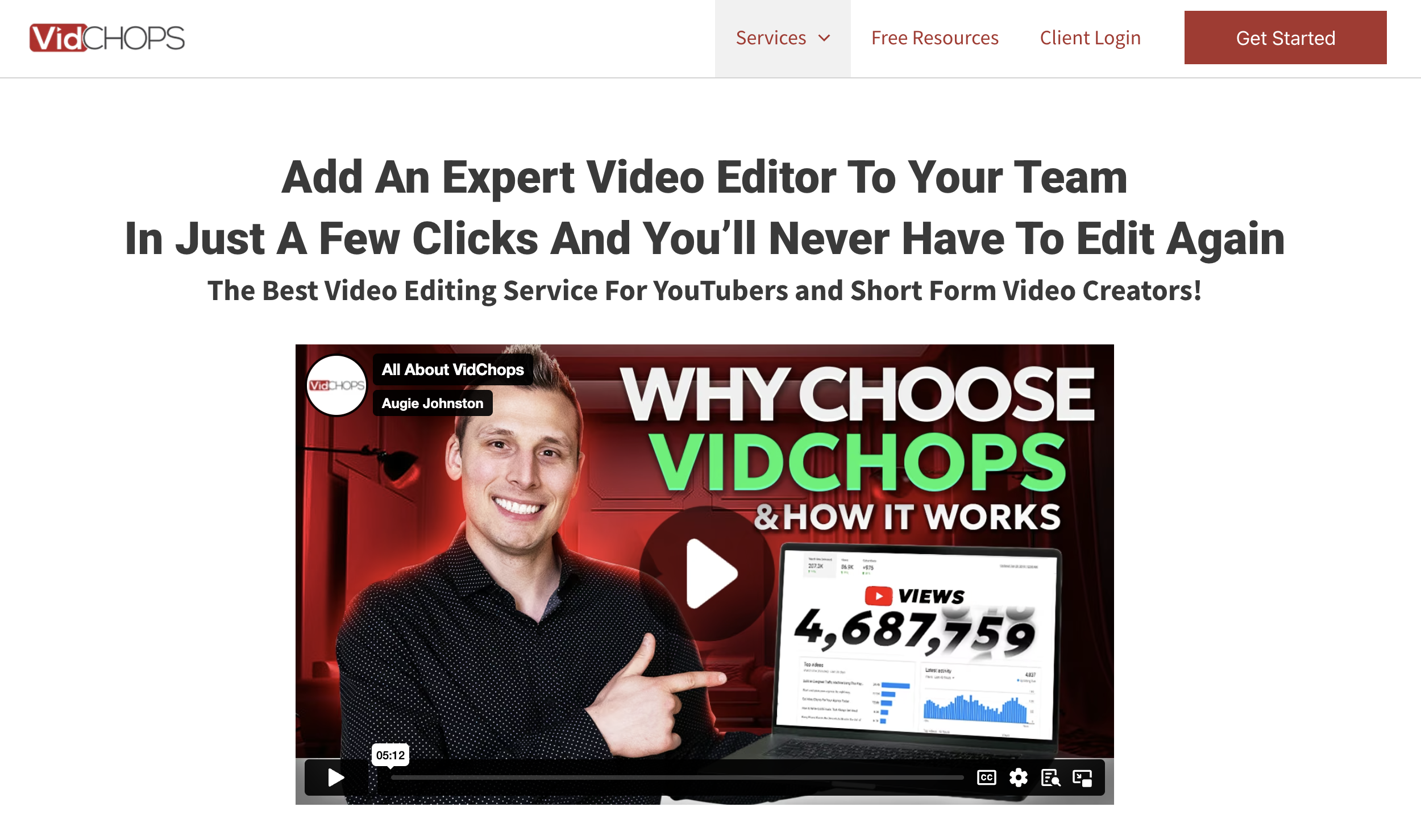
Vidchops runs on a credit-based model, and that is exactly why creators and agencies with a mix of long and short content like it. One credit equals one long-form video or four short-form videos, and you can split your credits however you want each month, so you are not locked into a single format.

The Weekly plan is $495/month for 4 credits with up to 3 revisions per video. The Pro plan is $995/month for 8 credits and steps up to unlimited revisions plus a dedicated account manager, which is the main reason to choose it over Weekly. Turnaround is a guaranteed 1 to 2 business days on both, with a 14-day money-back guarantee.

Two limits are worth knowing. First, finished videos top out at roughly 15 to 20 minutes, so this is not the service for long podcasts, webinars, or in-depth tutorials. Second, the offering does not include voiceovers or 2D and 3D animation, and captions on long-form cost extra. Independent reviews tend to describe the work as dependable and clean rather than creatively pushing, which is a fair trade at this price for talking-head and standard social content.

Pros

  • A flexible credit system: one credit is one long-form video or four short-form videos, and you can mix and match
  • Weekly plan at $495/month with 4 credits, Pro plan at $995/month with 8 credits
  • The Pro plan includes unlimited revisions per video
  • 1 to 2 business day turnaround guaranteed, with a 14-day money-back guarantee

Cons

  • The Weekly plan caps revisions at 3 per video
  • Final deliverables are limited to roughly 15 to 20 minutes, so it is not built for long podcasts or webinars
  • No voiceovers and no 2D or 3D animation, and captions on long-form cost extra
  • Third-party reviews describe the work as solid and reliable rather than creatively ambitious
4 The Editor's Connection Limited and Unlimited membership tiers

The Editor's Connection

Best for tight budgets
From $119/mo (4 reels/week)

The Editor’s Connection is the most budget-friendly place to start, and it runs two different models side by side, so it helps to know which one you are buying.

The Limited plan is the hard-capped option. At $119/month, or $99/month on semi-annual billing, you get up to four reels per week, non-cumulative, with one round of revisions. That is the cheapest subscription entry here, and a sensible starting point for a business owner who needs a steady trickle of short-form.

The three Unlimited tiers (Basic at $699, Plus at $1,199, and Ultra at $2,099 per month, all lower on longer billing terms) work differently, and their own site is refreshingly honest about it. Unlimited means unlimited requests and revisions, but they work on one edit at a time, so the monthly output figures they publish, like 48 to 110 short-form on Ultra, are averages rather than guarantees. All three Unlimited tiers include a 15-day money-back guarantee and the same editor and post-production manager across your projects.

Two things to confirm before signing up. They operate Monday to Friday, 10am to 6pm Central Time, which is narrower than always-on coverage. And independent testing has noted that while they are strong on standard editing, quality can wobble on complex or highly specific instructions. If your output is steady and budget is the deciding factor, this is a strong, honest pick.

Pros

  • The cheapest entry point on this list, with the Limited plan at $119/month (dropping to $99/month on semi-annual billing)
  • Three Unlimited tiers (Basic $699, Plus $1,199, Ultra $2,099 monthly) with a dedicated editor and post-production manager
  • 15-day money-back guarantee on all three Unlimited tiers
  • Same-day delivery where it applies on the Ultra tier

Cons

  • Narrow operating hours: Monday to Friday, 10am to 6pm Central Time
  • The Limited plan is capped at 4 reels per week, non-cumulative
  • The Unlimited tiers work one edit at a time, so the published output numbers are averages, not guarantees
  • Independent testing noted inconsistency on complex or highly specific edits
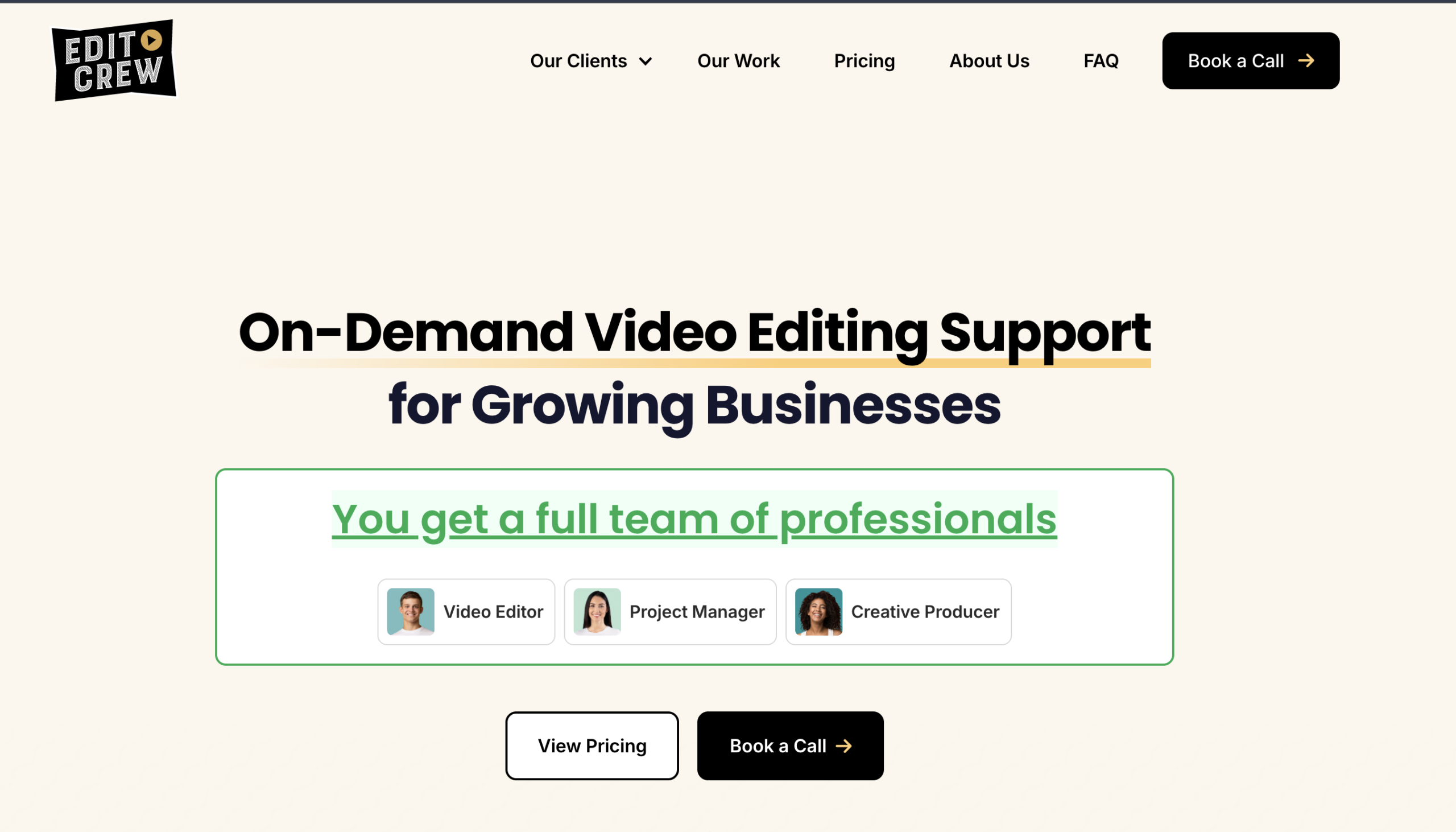
5 Edit Crew

Edit Crew

Best for marketing teams
From $1,599/mo (Part-Time, 15h/week)

Edit Crew is similar to Clipmasters in the sence that you buy a fixed bundle of editing hours per week. Essentials is $1,599/month for up to 15 hours a week, and Pro is $2,499/month for a full-time 40 hours a week. Longer billing terms bring those numbers down.

What you get for the money is more than an editor. Each retainer bundles a project manager alongside your editor, plus licensed music and footage and Adobe project files you can take over whenever you like. Turnaround depends on the tier: Essentials runs 1 to 2 business days, and Pro publishes 24-hour first drafts, so if speed matters and your work fits inside 40 hours a week, Pro is competitive with the unlimited services here.

The trade-off is the hour cap. If you know your editing load and you value predictability, a retainer is a clean way to buy. If your output is variable or climbing fast, those hour limits can start to pinch, and the jump from 15 to 40 hours a week is a large step with nothing in between.

Pros

  • Hour-based retainers
  • Each retainer bundles a project manager and the editor, not just an editor
  • Licensed music and footage included, plus Adobe project files you can take over
  • Pro tier publishes 24-hour first drafts; unlimited revisions on both tiers
  • 14-day satisfaction guarantee, no long-term contract

Cons

  • Hour-based caps mean you cannot burst above your retainer in a busy week
  • The jump from 15 to 40 hours per week is a big step in both hours and price
  • Best suited to buyers who already know their weekly editing load
6 Video Husky Eskimo, Siberian, and St. Bernard subscription tiers

Video Husky

Best for Solo Creators
From $849/mo (Eskimo)

Video Husky has built its reputation on done-for-you editing for solo creators, and after around six years in business it has the longevity that many services in this space never reach. Its three plans (Eskimo at $849/month, Siberian at $1,590/month, and St. Bernard at the top) give you a clear ladder as your needs grow, each with a dedicated editor and account manager.

Eskimo is the entry point, aimed at vloggers and small businesses, with the higher tiers stepping up resolution, runtime, and footage allowances.

A couple of things to weigh. The system is queue-based, so your editor completes one video before starting the next rather than running several in parallel, and the company does not publish its editor-to-client ratio, so how stretched your editor is behind the scenes is hard to know. The pricing page itself does not commit to a turnaround time either, though the homepage cites first drafts in 1 to 3 business days. If predictable, published turnaround matters to you, confirm that before you sign up.

Pros

  • A clear three-tier ladder (Eskimo $849, Siberian $1,590, St. Bernard at the top) that scales with you
  • A dedicated editor and account manager on every tier
  • Well-established (around six years in business)
  • Unlimited revisions across the plans

Cons

  • Queue-based, so your editor works one video at a time rather than in parallel
  • The pricing page does not publish a turnaround commitment (the homepage cites 1 to 3 business day first drafts)
  • Does not disclose its editor-to-client ratio, so workload behind the scenes is unclear
7 beCreatives Scale and Pro unlimited editing plans

beCreatives

Best for 3D and multi-language
From $899/mo

beCreatives is a legit, well-established service, and it looks the part. The work quality is good, and they offer things most queue-based services do not, like 3D editing, multi-language editing, and white-label.

The Scale plan is $899 a month with a 2 to 3 day turnaround. The Pro plan is $1,999 a month and adds 1-day turnaround and real-time Slack. Like most services here, they work one edit at a time, so Scale realistically lands around 8 to 12 videos a month.

Here is where we would be careful. Independent testing points to these patterns It can take a long time to get your editor assigned, turnaround times get missed, and then you are nudged to upgrade to a higher plan. So if you do try them, pin down when your editor starts and what your plan really covers before you pay.

If you specifically need 3D or multi-language work, beCreatives is worth a look.
Pros

  • Advanced work most queue-based services do not offer: 3D editing, multi-language editing, and white-label
  • Good production quality and an established, trusted-looking brand
  • Scale starts at $899/month; Pro adds 1-day turnaround and real-time Slack
  • 14-day money-back guarantee on new subscriptions

Cons

  • Reports of long waits to get an editor assigned when you start
  • Missed turnaround times, often followed by pressure to upgrade to a higher plan
  • Works one edit at a time, so Scale realistically yields about 8 to 12 videos a month
  • A big price jump from Scale ($899) to Pro ($1,999)

Buying Guide

The Subscription Models You'll See in This Category

Before you compare prices, it helps to understand the model behind each service, because the model decides how the service handles your growth far more than the headline price does. Most buyers skip this step and regret it later.

There are four models you will run into.

The first is the dedicated-editor subscription (Clipmasters, Vidpros, and Edit Crew in spirit). You get a set amount of one editor’s time, and that same editor works your account. This builds continuity and is the easiest model to scale, because you add more editor time as you grow. The important detail to ask about here is whether the editor keeps working through your queue or stops to wait for you to approve each edit. We keep working; many do not.

The second is the credit-based subscription (Vidchops). You buy credits each month, and a credit converts into one long-form video or several short-form videos. This is the most flexible option if your output mixes formats and your edits are fairly standard.

The third is the hour-based retainer (Edit Crew, Clipmasters). You buy a fixed bundle of editing hours per week. This trades flexibility for predictability and suits buyers who already know their weekly load.

The fourth is the queue-based unlimited subscription (beCreatives, Video Husky, The Editor’s Connection). You send as many requests as you like, but the service works through them one at a time, so the published monthly output numbers are averages, not guaranteed ceilings. This is often the most affordable way into a subscription if you are happy to work through a queue.

Two adjacent options sit just outside these models. Superside is an enterprise creative subscription (roughly $5,000 to $40,000+ a month on an annual commitment) built for large teams that need high-volume, multi-discipline creative, not just video. And No Limit Creatives bundles graphic design and video together from around $499 to $949 a month, which is handy if you need both under one flat fee.

What Separates a Good Subscription from a Frustrating One

Once you understand the model, there are five things worth checking on each service. These usually separate the subscriptions that still feel great a year in from the ones that look fine on the pricing page and cause friction once you are paying.

1. editor model.

Does the same editor stay on your account, or does whoever is free pick up the work? Services that match or assign you a dedicated editor (Clipmasters, Vidpros, Edit Crew) build real continuity. Watch for services that do not disclose their editor-to-client ratio, like Video Husky, because that number tells you how stretched your editor really is.

2. how the queue actually flows.

This is the question almost nobody asks. Most queue-based services pause work the moment they are waiting on your feedback. We keep your editor working through everything else in your queue, which is a meaningful difference when you are busy and slow to review.

3. the real turnaround

Marketing claims and lived averages can differ. We guarantee 24 hours on basic edits, with same-day common on short-form. Edit Crew’s Pro tier publishes 24-hour first drafts. Vidpros publishes overnight on many requests. Video Husky cites 1 to 3 business days. Always check what is guaranteed versus what is typical, and remember that complex work takes longer everywhere.

4. project file ownership.

Some services hand over editable files (we do once a video is approved, Edit Crew at handoff). Many do not commit to this. If you want to own your editable assets, confirm it before you pay.

5. the guarantee and contract terms.

We offer a 14-day money-back guarantee with no contract. Vidchops, Vidpros, and beCreatives offer 14 days. The Editor’s Connection offers 15 days on its Unlimited tiers. Edit Crew has a 14-day satisfaction guarantee. The details vary, so read them.

How to Choose the Right Model for You

It really comes down to a few honest questions about your own operation.

How many videos do you actually produce each month? If you are below roughly four videos a month, or you are still testing whether you will keep creating at all, a subscription is probably the wrong tool. You will get better value from a per-video service like Tasty Edits or from freelancers on Fiverr or Upwork, even though you will spend more of your own time managing them. Once you are consistently above that, a subscription becomes cheaper per video and gives you editor continuity on top.

Is your output stable or growing? If it is stable and fits neatly into a fixed tier, a queue-based unlimited plan or a fixed retainer works fine. If it is climbing month over month, look for a model that scales without forcing you to switch services, which is exactly why we built the move from part-time to full-time to stacked plans.

Do you need more than editing? If you also need motion design, graphic design, or content strategy, very few editing subscriptions cover all of it. Our Enterprise plan is built to assemble that wider creative team, No Limit Creatives bundles graphics and video, and Superside covers enterprise-scale creative. If you only need editing, almost any service here will do.

How fast and how predictable does turnaround need to be? If same-day on short-form is non-negotiable, weight that heavily and verify it against real averages, not just the marketing page. Be honest with yourself on all four, and the right pick usually becomes obvious.

Frequently asked questions

What is the cheapest video editing subscription on this list?
The Editor's Connection's Limited plan is the cheapest entry at $119/month on monthly billing, dropping to $99/month on semi-annual billing, capped at 4 reels per week. If you want the cheapest plan with a dedicated editor and a clear tier ladder, Video Husky's Eskimo plan at $849/month is the lowest, and beCreatives' Scale plan at $899/month is close behind. Vidchops Weekly at $495/month is the cheapest credit-based option. Match the cap to your real output before deciding on price alone.
Is a subscription better than hiring a freelancer or paying per video?
It depends on your volume. If you produce fewer than about four videos a month, or you are just starting out, a per-video service like Tasty Edits or freelancers on Fiverr or Upwork are usually the better value. You spend more of your own time finding, vetting, and managing them, but you pay less overall. Once you are creating at scale and managing freelancers has become a job in itself, a subscription with a dedicated editor and a project manager starts to make more sense.
What does "unlimited" actually mean with these services?
For most services here it means unlimited requests, not unlimited finished videos. The editor works one edit at a time, so the real limit is output speed, and the monthly numbers they publish are averages. Clipmasters works differently on this point: your dedicated editor keeps working through your queue during their assigned hours rather than pausing while they wait for you to approve one edit, so the cap is the editor's time rather than a single active request.
Which subscription has the fastest turnaround?
We guarantee 24 hours on basic edits, with same-day delivery common on short-form. beCreatives' Pro tier and Edit Crew's Pro tier both publish 1-day or 24-hour first drafts. Vidpros publishes overnight on many requests, depending on complexity. Vidchops guarantees 1 to 2 business days. Video Husky cites 1 to 3 business day first drafts on its homepage. For any service, a complex edit with custom motion graphics will take longer than the headline number, so weigh the guarantee against the realistic average.
Why is Clipmasters number one on this list?
Honestly, because it is our list and we believe the model holds up. You start with a dedicated, brand-matched editor on a part-time plan whose hours go entirely into your queue rather than idling while they wait for feedback. As your output grows you move to full-time and then stack plans, so capacity scales with you instead of forcing a new contract. AI handles the repetitive work so editors focus on the creative calls, and Enterprise can build a wider creative team when you need one. That said, if you are just starting out or producing only a handful of videos a month, one of the cheaper or per-video options here will serve you better right now, and we would rather tell you that than sell you the wrong plan.

Related articles

August 4, 2026

5 Best Video Editing Services for Content Creators (2026)

Picture of Joke De Swert

Joke De Swert

August 2, 2026

5 Best Podcast Video Editing Services in 2026

Picture of Joke De Swert

Joke De Swert

July 7, 2026

5 Best Video Editing Services for Agencies (2026)

Picture of Joke De Swert

Joke De Swert

Get matched with an editor who understands your vision

Loading video…