Skip to content
Best overall
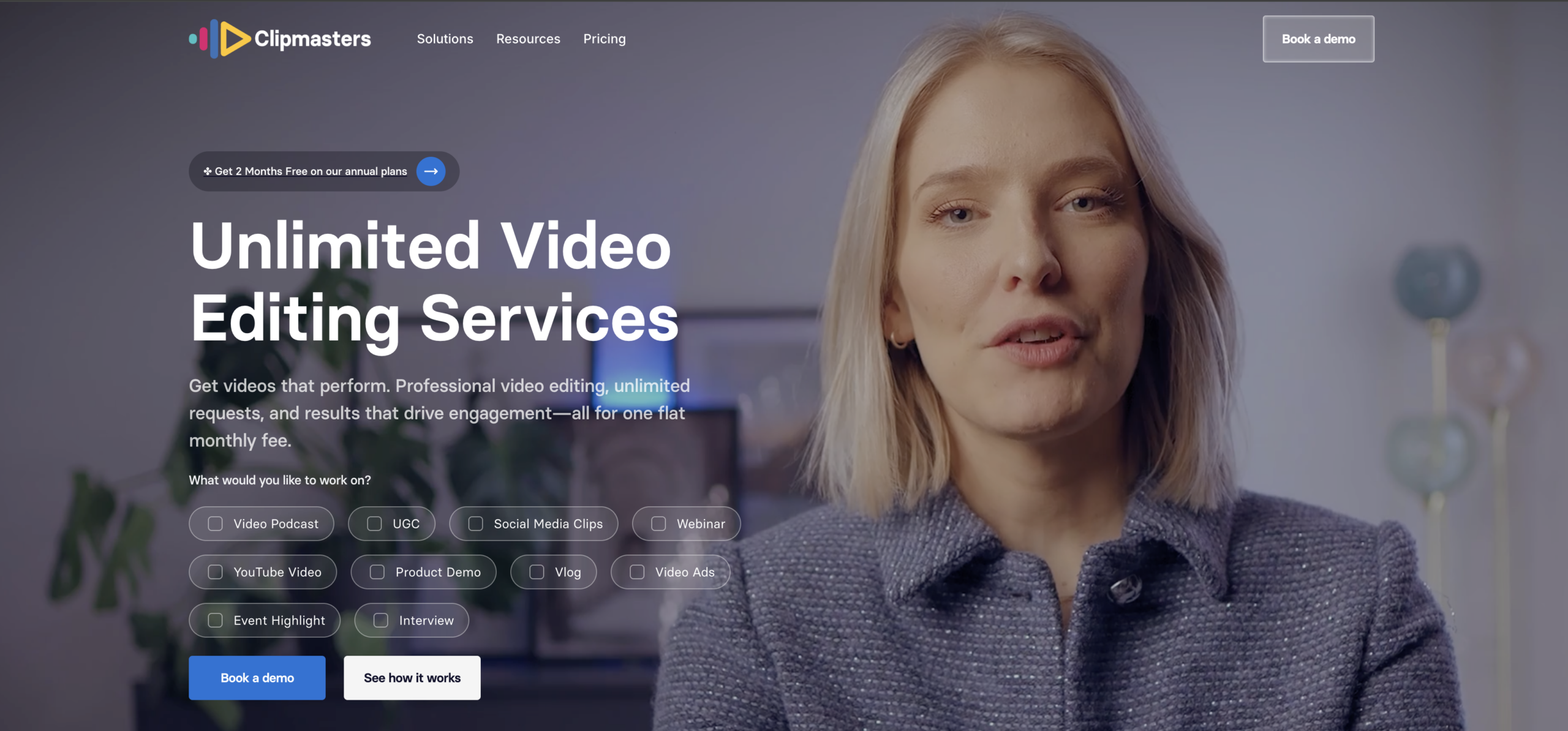


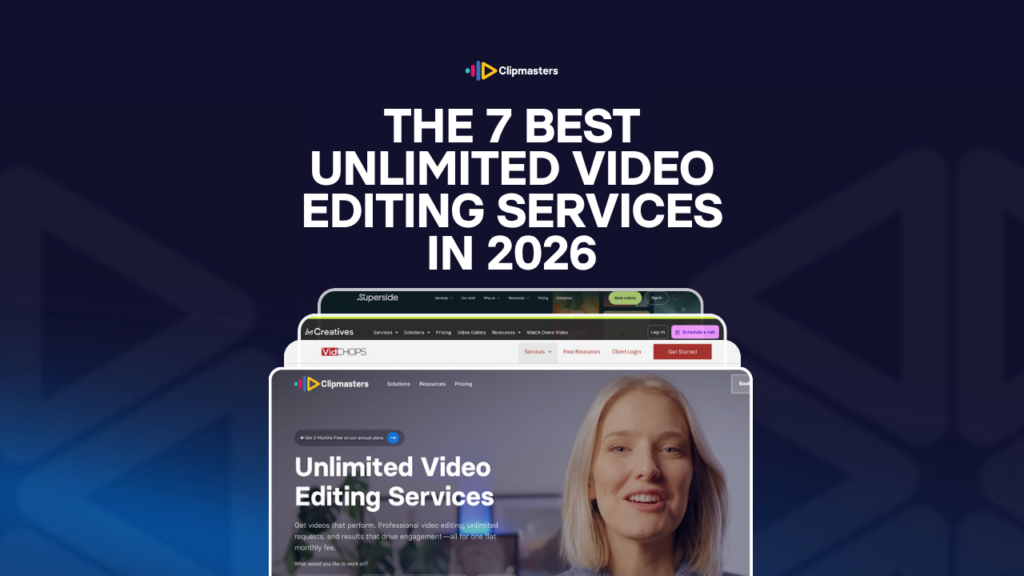


Full disclosure: this is our list, so Clipmasters is on it. We could leave ourselves off and pretend to be neutral. We won’t.
Here’s what we actually do differently.
Most services on this list hand you whichever editor is free that day. We don’t. When you sign up, we test multiple editors on your real content, free of charge. We’re looking for the one who gets your style without you having to spell it out on every brief.
We do this upfront because the work goes smoother once the fit is right. By month two, you’ve got an editor who already knows your taste. That means less briefing, fewer revision rounds, and less frustration on both sides. That’s the whole point.
Our 2026 average across all request types is actually closer to 14 hours, but this one is worth being honest about. The 24-hour turnaround only holds for the work it’s designed for, like short-form videos, simple YouTube edits, vertical reels, and podcast clips. A two-minute brand film with motion graphics isn’t going to be a 24-hour project at any service, ours included. If you want to dig into this in more detail, we broke this down in our piece on realistic video editing turnaround times.
The short answer is: AI. We use it for the parts AI is good at: rough cuts, captions, colour matching across clips, and transcript-based editing. Then our editors handle the parts AI is bad at: pacing, taste, restraint, sound design, the creative calls that make a video feel finished. That’s the line between us and the AI-only tools you’ll see elsewhere (Descript, Opus Clip, Captions.ai). Those tools replace the editor. We use AI to make our editors faster.
The Scale plan ($1,897/month) is built for brands, agencies, and marketing teams that need content every week. You get the editor-matching process, your own dedicated editor once we find the fit, several requests running at once, and the option to add custom graphic design that matches your brand, not the generic thumbnail packs some services throw in.
The Enterprise plan is where bigger operations land. We build the team and the workflow around what you actually need: custom processes, automation or AI video generation in the pipeline, and editors who can work inside your project tool (Asana, ClickUp, Slack) or stay in ours. The goal is simple: make Clipmasters feel like an in-house creative team that isn’t on your payroll.
One example: a brokerage client running a brand accelerator. We built him a team of three full-time editors at a custom rate, sized around what the accelerator puts out instead of forcing him into a standard tier.
You’ll notice that both plans start with a conversation rather than an instant signup. We do this because we’d rather onboard clients who are a good fit than just maximise our signup numbers.
Clipmasters isn’t right for everyone. If you’re a brand-new creator or you’re just testing the waters, Clipmasters may not be the right fit for you yet. At that stage, Fiverr will still work. You’ll pay a bit less, and in exchange you’ll be in charge of managing your freelancers and your own QC. Until you start producing at scale, that trade off might still be worth it.
If you want a partner who takes editing, briefing, and quality control off your plate completely, you’re in the right place. Same goes if you want a PM who gets your vision and checks the work before it reaches you, or a team with real depth across production, marketing, and branding, not editors who only know editing. If you’re tired of managing freelancers on Upwork or Fiverr and running your own checks, Clipmasters is the alternative.
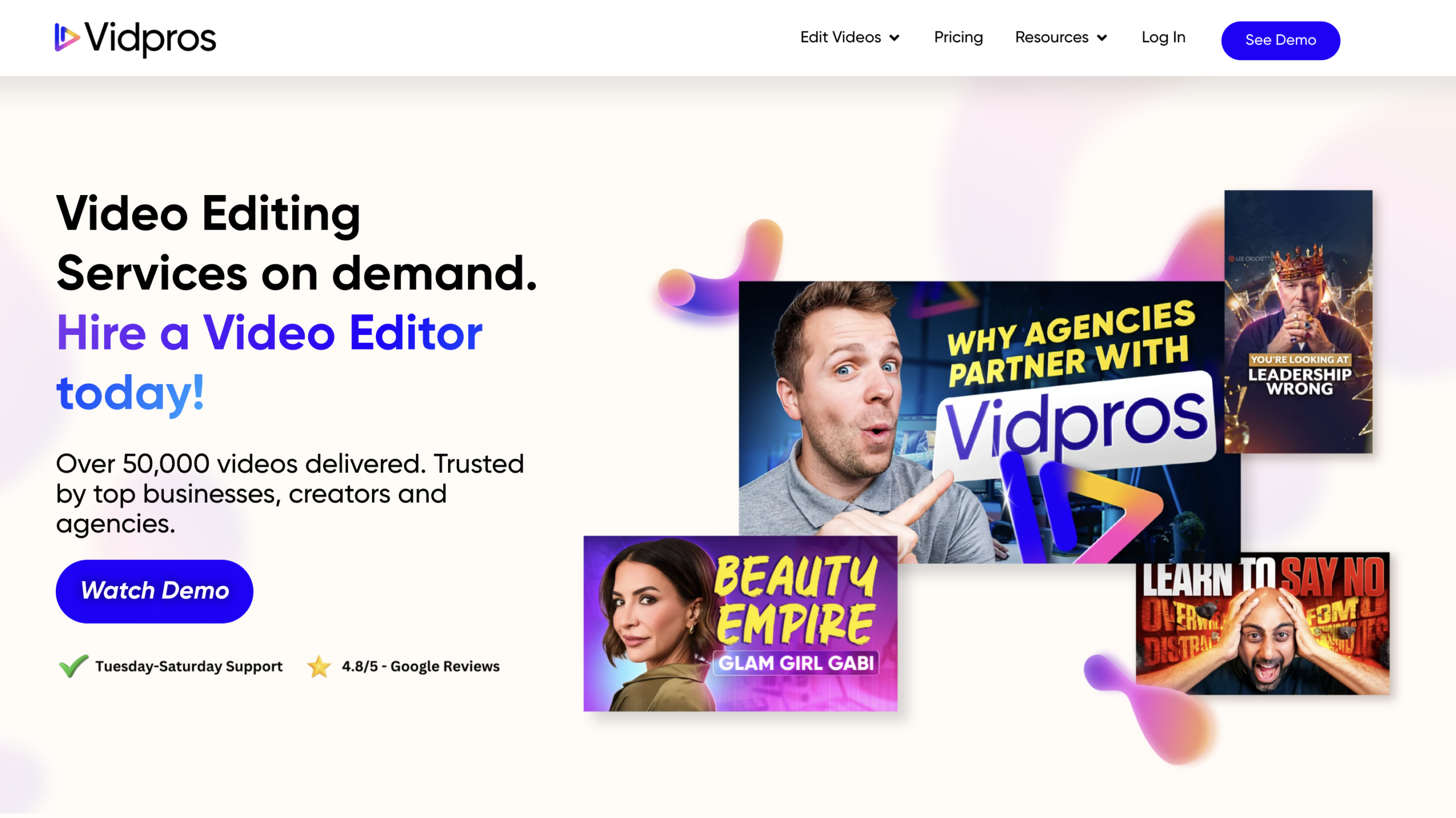
Vidpros runs the clearest pricing in this category. The Part Time plan at $1,000/month gives you two hours of editing per workday; the Full Time plan at $4,000/month gives you a full-time editor. No middle tier, which is awkward for buyers who need more than two hours a day but can’t justify $4K.
The white-label programme is documented on their dedicated white-label page. Agencies can run Vidpros under their own brand. They cap each editor at four clients, which is more transparent than most service providers who don’t publish editor-to-client ratios.
The main limit is time zone. Editors work Philippine time (GMT+8), Tuesday through Saturday. If your editor logs off at 5pm Manila time, your work waits until tomorrow. If you have predictable submission patterns this is fine. If you need continuous global production, it’s a real constraint.
A $100 one-week trial is available, which is unusual in this category. Worth using before committing.
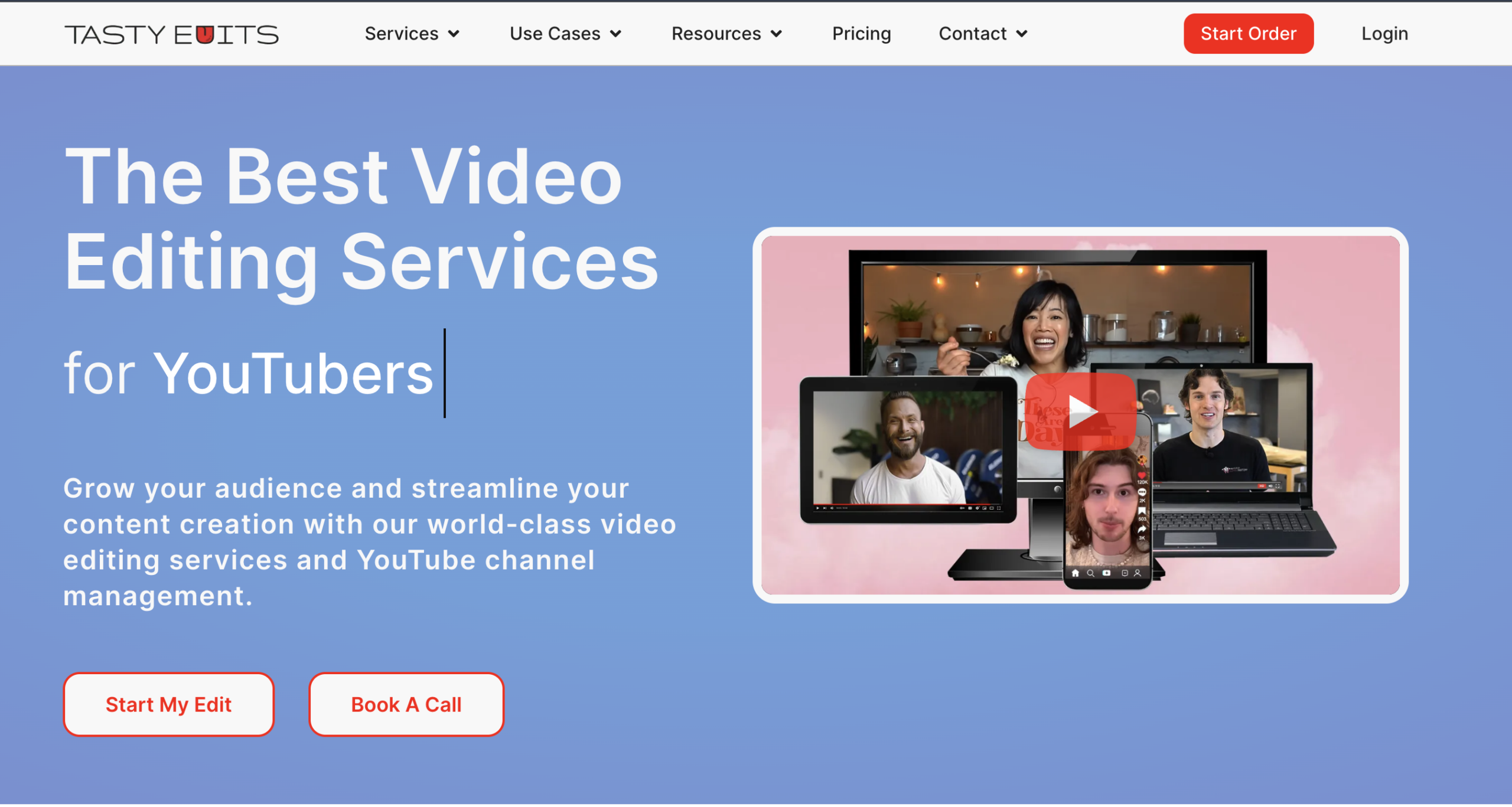
Tasty Edits is the most established service on this list for small YouTube creators. They built their own project management tool, VOMA, because Slack and Trello fall apart once you’re juggling weekly uploads, thumbnail revisions, and channel strategy all at once. Their team setup shows that focus: a video manager, an editor, a thumbnail artist, and, if you want it, a YouTube channel manager. You’re not just buying editing. You’re buying a YouTube team.
Where it stops being a good fit: say you’re a SaaS marketing team making case studies, founder videos, and LinkedIn content. The YouTube channel manager is a layer you don’t need, and you’d still pay for it, because the whole workflow is built around channels.
Two things to watch, both flagged in Vidpros’ $5,000 competitor test. First, revisions can take up to 72 hours longer than the first delivery, so plan around the full loop, not just the first draft. Second, the bundled thumbnails are the weak spot in their work. If thumbnails matter for your channel, expect to handle them yourself or push for revisions.
The money watch-out is the per-video pricing. A long-form edit runs $278 to $327, depending on the package, and a short-form runs $80 to $94. Once you’re posting a couple of long-forms and a dozen short-forms a month, you’ve spent more than an unlimited subscription would cost elsewhere.

beCreatives runs three tiers. The Scale plan ($899/month) is one of the cheaper unlimited subscriptions on this list. But the 2–3 day turnaround per deliverable caps you at about two short-form videos a week. Try to ship five reels a week and the math falls apart. You’d be looking at 10–15 days of turnaround for one week of content.
The Pro plan ($1,999/month) drops turnaround to one day and removes the brand and user caps. At that price, it sits right next to Clipmasters Scale ($1,897). The In House Team plan ($4,999/month) adds simultaneous requests, and that’s the tier that competes with Clipmasters Enterprise.
One detail worth flagging: beCreatives only gives you a single dedicated editor on the In House Team plan ($4,999/month). The Scale and Pro plans use a “dedicated team” model, which means whichever editor has bandwidth handles your work, not the same person every time. If you care about editor consistency (matching your brand voice, learning your preferences, getting smoother over months), the cheaper tiers won’t give you that. Only the top tier will.
Stock footage, music, and graphics come with every tier, like most premium services on this list (Clipmasters included).
Output at the Scale tier is solid, not premium. For a solo founder shipping one or two reels a week to grow a TikTok presence, that’s fine. Brands that need deeper motion graphics or polished sound design will hit the ceiling at Scale.
Vidchops has been running for years and is the cheapest way onto this list. The “Weekly plan” is $495/month and the Pro plan is $995/month.
Instead of “unlimited,” it uses credits: one credit is one long-form video (5 to 60 minutes) or four short-form clips, and you mix and match within your monthly total. Weekly gives you 4 credits, Pro gives you 8. There’s also a custom-priced Full-Time Editor option with same-day turnaround.
The credit system is genuinely handy for mixed formats. The catch is the cap. On Weekly you get 4 long-form videos a month, with only 3 revisions each, so it suits steady, predictable output rather than bursts. Pro lifts revisions to unlimited and adds a dedicated account manager. Turnaround is two business days, work is queued one video at a time, and you get up to 100GB of storage with royalty-free music and stock included. There’s a 14-day money-back guarantee.
Vidchops also offers a white-label programme, which is why agencies on a budget like it. Your client never sees Vidchops branding.
The trade-off shows up in the work. Several reviews describe the editing as competent but not creatively pushing: clean cuts, good pacing for talking-head content, but not the kind of editor who suggests a better hook or restructures for retention. Some reviewers also flag inconsistency between projects. Vidchops doesn’t do voiceover or 2D/3D animation. If you produce straight forward talking-head and social content for SMB clients, it’s hard to beat on price. If motion advanced editing or graphics matter, you’ll outgrow it fast.
Video Husky is the entry-level option for vloggers and small businesses that need consistent editing but can’t justify premium-tier spend. The Eskimo plan at $849/month is the cheapest on this list. Siberian at $1,590 and St. Bernard at $2,749 step you up to more dedicated capacity.
A few honest watch-outs. Video Husky doesn’t publish turnaround guarantees on their pricing page, so you’ll want to confirm directly before committing. Customer reviews are mixed: positive reports note good communication and reasonable 24–48 hour first drafts for talking-head content, while critical reviews flag weekday-only operations (Friday submissions waiting until Tuesday) and projects taking far longer than expected when revisions stack up. The queue-based system completes one project at a time, which works for steady volume but creates friction when you need parallel deliverables.
If you’re a creator who needs their podcast cleaned up and timecoded with reasonable B-roll, the Eskimo tier handles the basics. If you need motion graphics depth or sound design polish, look at the Siberian tier or above.
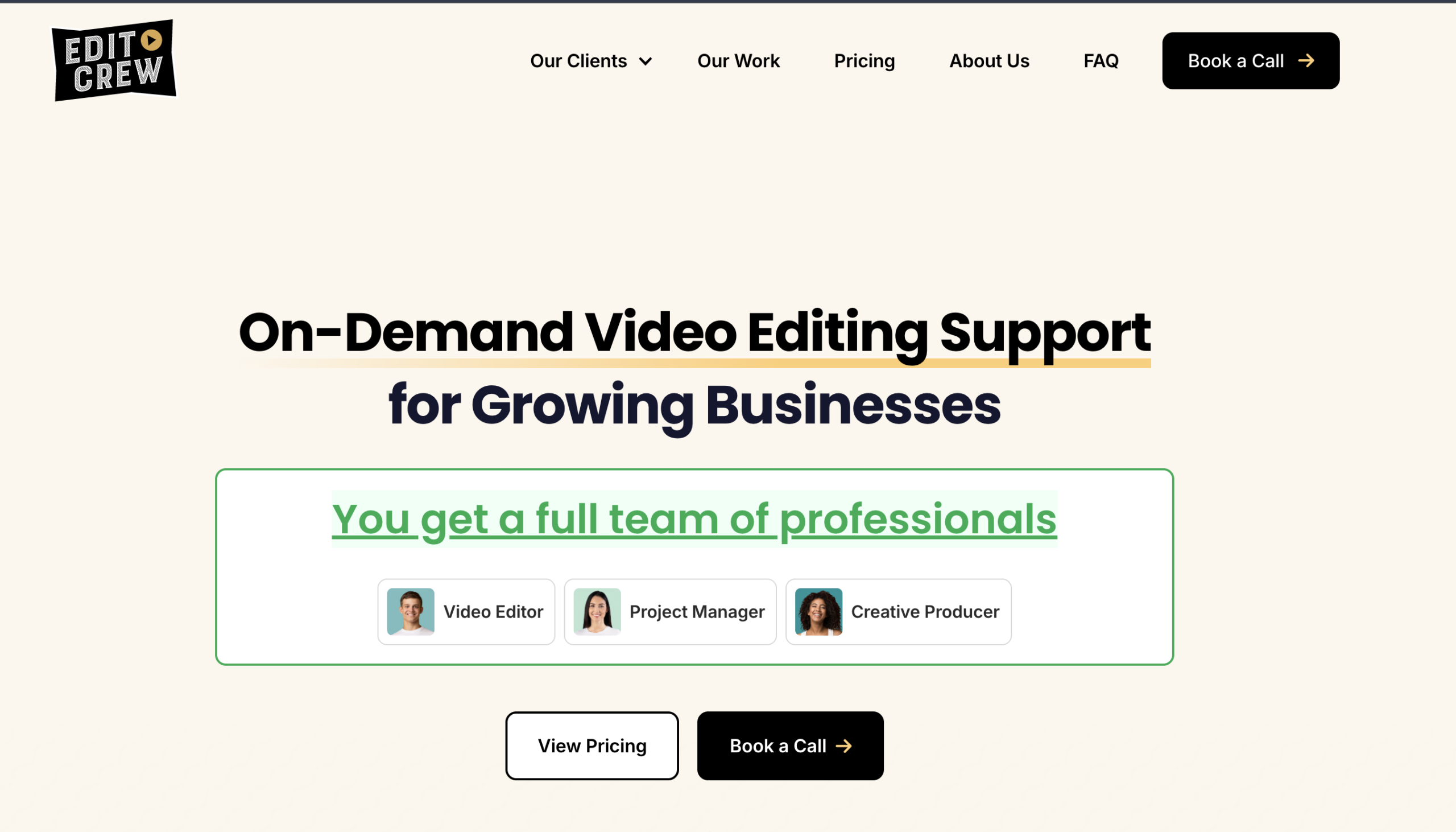
Edit Crew doesn’t pitch itself as “unlimited.” It’s hour-based, with each tier giving you a defined editing budget (typically 15 or 40 hours per week). If you already know you want roughly forty hours of editing in November and are tired of subscriptions that fall over when volume picks up, this model is honest.
The team is also unusual for this category. Edit Crew has 80+ creative pros across three continents, all in-house rather than outsourced freelance, and has been running since 2020. The retainer bundles a Project Manager, the editor, a Creative Producer, licensed music and stock footage, and Adobe project files at handoff. Customer reviews on G2 note PM response time within an hour on US Central time and first drafts within one to two business days.
The work also looks visibly different from the rest of this list. Reviews describe Edit Crew as leaning toward narrative pacing, cinematic colour, and considered sound design, which suits SaaS brand films, founder pieces, and polished long-form case studies.
Where it falls behind on this list: scope of fit. Edit Crew is explicitly positioned for clients with an established content process. If you’re still figuring out cadence, the premium pricing won’t make sense. If your need is high-volume short-form, Clipmasters or Vidchops are better fits. If your need is one beautiful brand film a month, Edit Crew is genuinely good.