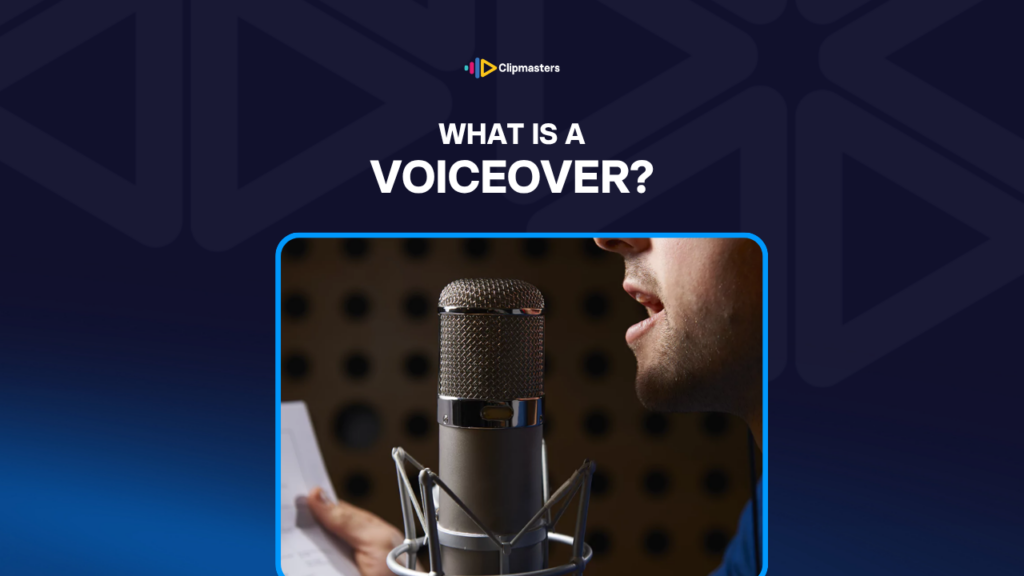
Voiceover is narration recorded separately from the picture and laid over the video in editing. You hear a speaker but you do not see them. The picture is footage, graphics, or other content while the voice carries the explanation, story, or message.
Voiceover is often shortened to “VO” on set. The person performing it might be called a “narrator,” “voice talent,” or just “the VO.”
Common places you find voiceover:
Voiceover is different from on-camera dialogue, where the speaker is visible, and from interview audio, where someone speaks on camera as themselves. Voiceover is narration that is not tied to a visible speaker.
Making professional voiceover takes a few stages.
Script writing. Voiceover is written for the voice, not borrowed from text. Spoken language is different from written language: shorter sentences, simpler words, natural rhythm. A good voiceover script sounds right out loud, not just on the page.
Casting. Choosing the voice. Tone, accent, age, gender, and energy all matter. Documentary narration calls for a different voice than upbeat commercial narration. This choice shapes the whole feel.
Recording. The voice talent records the script in a sound studio, or a good home setup. They do several takes per line, and the producer or director gives notes between takes, like “more energy,” “slow down,” or “lean on this word.”
Audio editing. The best takes are picked and stitched together. Filler words, pauses, breaths, and mistakes are removed. The result is a clean voice track.
Audio processing. The voice track gets shaped with EQ for tone, compression to even out the volume, noise reduction to clear out background sound, and a touch of reverb for presence.
Sync to picture. The voiceover is timed to the visuals. Lines land on specific moments, and music and sound effects support without competing.
Mixing. The final mix balances voiceover, music, and sound effects. The voiceover should always be the loudest layer, with music and effects sitting below it.
Common ways to record:
For commercial work, professional voice talent is still the standard for premium projects. AI voice has stepped in for tighter budgets or special needs, like translating into many languages or covering large content libraries.
A few things separate professional voiceover from amateur.
The right voice for the content. A documentary voiceover sounds different from a commercial one. A children’s content voice is different from an investigative journalism voice. Matching the voice to the content is the first creative decision.
Conversational delivery. Voiceover that sounds like someone reading text aloud is tiring. Voiceover that sounds like someone explaining naturally pulls the audience in. Good voice talent reads a script as if they are saying it off the cuff.
Clear diction. Every word is audible. No mumbling, no rushing, no swallowed words. Professional voice talent practises this constantly.
The right energy. Too flat and the audience tunes out. Too amped and it feels desperate. The energy should fit the content: enthusiastic for a product launch, calm for documentary, easy and conversational for an explainer.
Natural pauses. Speech with no pauses feels rushed. Speech with too many feels slow. The right rhythm makes the listener feel talked to, not read at.
The right volume against music. Voiceover and music have to work together. Music too loud and the voice gets lost. Music too quiet and the audio feels unfinished. Most professional mixes have the music sitting about 10 to 15 dB below the voiceover.
Clean audio. No background noise, no room echo, no breath pops, no mic handling sounds. The voice should sound like it is right in the listener’s ear, not in an echoey room.
Tight editing. Filler words, stumbles, and awkward pauses removed. The final voice track should sound spontaneous without the messy bits of real speech.
For commercial work, voiceover quality is one of the clearest signs of production value. A polished video with weak voiceover feels unfinished. A simpler video with strong voiceover feels professional.
A few related forms of spoken content often get confused with voiceover.
Voiceover (VO). Narration laid over the visuals, with the speaker not visible. The most common form.
On-camera narration. A presenter speaking straight to camera, visible the whole time. Common in news, YouTube creator content, and some documentary. Not technically voiceover, since the speaker is visible.
Voice-of-God narration. A specific style of voiceover where the narrator is all-knowing and authoritative, often unnamed. Common in older documentaries and some commercials, less common today.
Internal monologue. A character’s thoughts heard as voiceover. The character is visible, but the audience hears thoughts the other characters cannot. Common in narrative film.
Voiceover by a character. When a character in the story narrates from outside the scene. They appear elsewhere in the film, but their narration is voiceover.
Audio description. An accessibility track that describes what is happening on screen for blind or low-vision viewers. Separate from creative voiceover, but it uses similar techniques.
Live commentary. Narration recorded live with the visuals, common in sports broadcasting. A different workflow from pre-recorded voiceover.
Lip-synced narration. Animation and dubbing work where the voice has to match visible mouth movements. More demanding than standard voiceover, since the timing has to line up exactly.
Background narration. Voiceover in another language or context that is part of the scene’s ambient sound, not the main narration. You hear it as part of the world, not as direct narration to you.
For most commercial and online video, “voiceover” means the main narration track. The other forms usually go by their specific names.
Voiceover is one of the most important decisions in any video that uses narration. The voice carries more weight than most viewers realise, and a strong one can lift average footage while a weak one can undercut great footage. At Clipmasters, your editor handles the back half of that chain (tight editing, clean audio, and a balanced mix) so your narration lands as effortless instead of rough.
They are mostly interchangeable. "Voiceover" stresses the technical fact that the voice is laid over visuals from outside the scene. "Narration" stresses the content, the voice telling a story or describing events. Most people do not split the two carefully. A documentary has both voiceover (technically) and narration (content-wise) from the same source.
For premium commercial work, usually yes. Professional voice talent brings training, range, and consistent quality that is hard to match. For lower-budget projects, the options include self-recorded voiceover (with decent gear and practice), AI voice generation (ElevenLabs, Resemble, and others), or hiring affordable freelancers through marketplaces like Voices.com or Voice123.
Match the visual content. Voiceover read at a conversational pace runs roughly 150 to 180 words per minute. A 60-second video has room for about 150 to 180 words. Pad less, since scripts that try to cram too much in feel rushed. The best approach is to write for natural delivery, then time it to the visuals.
For some uses, increasingly yes. AI voice generation (ElevenLabs, Resemble AI, Murf, and others) produces quality that fools many casual listeners. It is fast, cheap, and supports many languages. It works well for explainers, tutorials, and content where the voice does not need to be a distinctive performer. Premium commercial work, character-driven narration, and prestige documentary still benefit from a human voice.
A decent USB condenser microphone (around $100 to $300) handles most home voiceover well. Popular choices are the Blue Yeti, Audio-Technica AT2020, and Rode NT-USB. Add a pop filter, record in a treated space like a closet full of clothes or a foam-panelled corner, and you will get voiceover good enough for YouTube, podcasts, and most online content. For higher quality, a proper XLR microphone with an audio interface (about $300 to $800 total) gives professional-level results.